
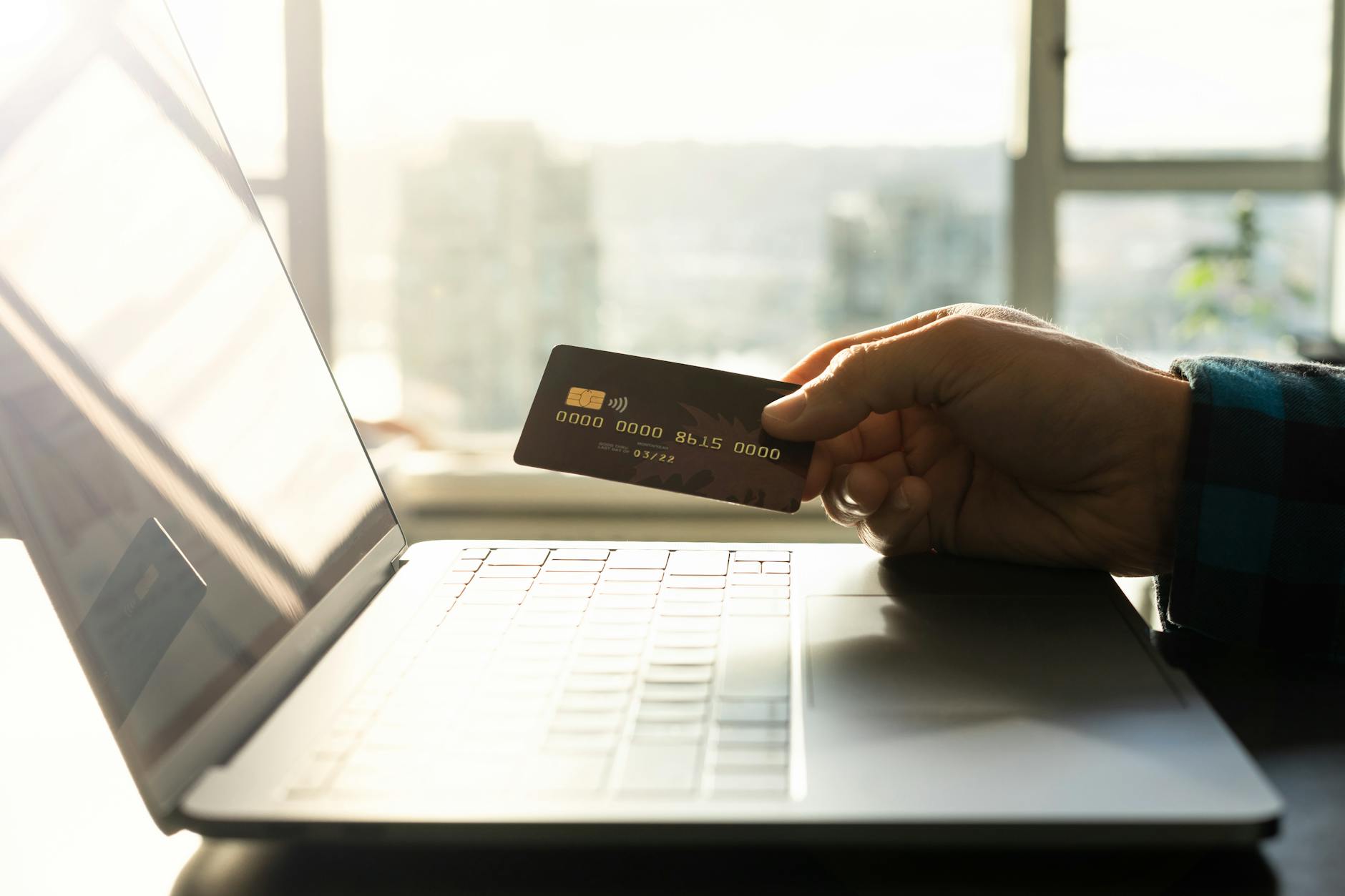
Just recently I was approved for a new credit card that was supposed to arrive in 7-10 business days. After two weeks, I called the credit company only to learn that someone must have intercepted the credit card in the mail and had been using it in Florida (I live in Connecticut). At least several times a day I get a text, call or email from someone trying to bait me into clicking a link that will then enable them to steal my information and/or money. They’re so relentless and tricky that I feel like it’s just a matter of time before I accidentally fall victim to some scam.
So there are a number of precautions that I’m taking to protect myself from identity and financial theft, and I’ve listed all the methods I’ve heard of below. You don’t have to do everything listed, but I’m doing most. Based on your situation, some might make more sense than others.
Use a Password Manager
One of the biggest cybersecurity risks is a weak password, especially one that is used for multiple websites. A password manager will generate and store strong, unique passwords for each website and then auto-populate them for you. Many browsers have their own password managers, but they can only be accessed from that browser and device. It’s better to use a stand-alone password manager such as Bitwarden, 1Password and Keeper, which allows you to access the passwords from different devices and browsers. All of those have free versions. Read more about how to set up a password manager.
Use Multi-Factor Authentication or Passkeys
Multi-factored authentication (MFA) makes it harder for hackers to break into your account by requiring another piece of information besides your password. For example, if you’ve enabled MFA for your email, the website might send a one-time code to your cell phone that you then need to type into the website, or it might scan your face before giving you access. Most financial websites and email applications now ask you if you want to enable multi-factor authentication. Read more about enabling multi-factor authentication.
You may have noticed some websites asking you if you want to create a passkey. Passkeys are more secure than passwords because there are no reusable credentials to steal. Passkeys are created and managed safely by the software on your device, automatically including multi-factor authentication. Read more about using passkeys.
Freeze Your Credit
To prevent someone from opening a credit card in your name, consider freezing your credit at each of the credit bureaus – Equifax, Experian, and TransUnion. Doing so basically locks your account so lenders cannot access your credit report to open new accounts. If you then need to apply for new credit yourself, you can temporarily lift the freeze. Read more about how to freeze your credit.
Place a Fraud Alert
If you place a fraud alert with one of the credit bureaus (Equifax, Experian and TransUnion), lenders must verify your identity before they grant new credit in your name. Usually this means they will contact you first to confirm you are trying to open new credit. You can place a fraud alert with one of the credit bureaus, and they will notify the others. Anyone can place an initial fraud alert for a year, while people who have experienced identity theft can place an extended fraud alert for seven years. Read more about how to place a fraud alert.
Enable Alerts on Your Financial Accounts & Credit Cards
You likely already receive alerts by default if your password has been changed, but you can also set up alerts to notify you of any withdrawals from your financial accounts and of any large purchases, international transactions, or card-not-present transactions on your credit cards. This way you can alert your bank or credit card company immediately of potential fraud.
Lock Your Financial Accounts
To prevent someone from transferring money out of your financial accounts, place a lock on accounts with brokerage firms such as Fidelity, Vanguard, Charles Schwab, JP Morgan and Robinhood. The process is easier with some brokerage firms than others. If you use Fidelity and need to transfer money out of a locked account, you can easily remove the lock online and then put it back in place. Read more about how to lock your financial accounts.
Lock Your Phone Number
To prevent someone from stealing your phone number, you should put a SIM lock in place with your cell phone carrier. Why does this matter? Most, if not all, financial accounts now require multi-factor authentication, which lets us log in by sending a code to our cell phone. If someone steals your phone number, they will be able to intercept that code, log into one of your financial accounts and steal your money. Read more about how to lock your phone number.
Lock Your Social Security Number
There are two different ways to lock your social security number (SSN) which prevent the most common types of SSN fraud:
E-Verify’s “Self Lock” – This lock prevents someone from using your SSN to get a job at any of the millions of employers that use the federal E-Verify system. If you are applying for a job with an employer that uses E-Verify, you temporarily unlock your SSN.
SSA’s “Block Electronic Access” – When you block electronic access to your Social Security account, this blocks someone from accessing or changing your Social Security records online or via the Social Security Administration’s phone system. Keep in mind it also blocks you. If you need to check your benefits or change your address, you will have to visit a Social Security office in person or speak to a live agent and provide proof of identity.
Read more about how to lock your social security number.
Sign up for a Data Removal Service or DIY
Data brokers are companies that legally collect publicly available personal data on people like you and me, and then they sell it to credit card companies, marketing agencies, anyone looking to buy it. It’s a treasure trove for cyber criminals to hack. You can now hire a data removal company to remove your personal data from data brokers’ files, reducing the chances that you data will be compromised. Or, you can do it yourself. Read more about data removal services.
I purposely excluded from this list signing up for an identity theft protection and credit monitoring service like Kroll. The reason why is because signing up for that service doesn’t protect you; it just notifies you after the breach has already occurred. If your personal data with a company is compromised, they usually give you free access to a service like Kroll for a year.
Leave a Reply